
How to Change Your Account Email
Change the email on your FX Replay account yourself from Account Settings, then confirm it from the link we send to your new address.
You can change the email address on your FX Replay account yourself, from Account Settings. It's the address you use to sign in and the one we send account notices to.
How to change your email
- Open Account Settings at the bottom of the left menu and go to the Account tab.
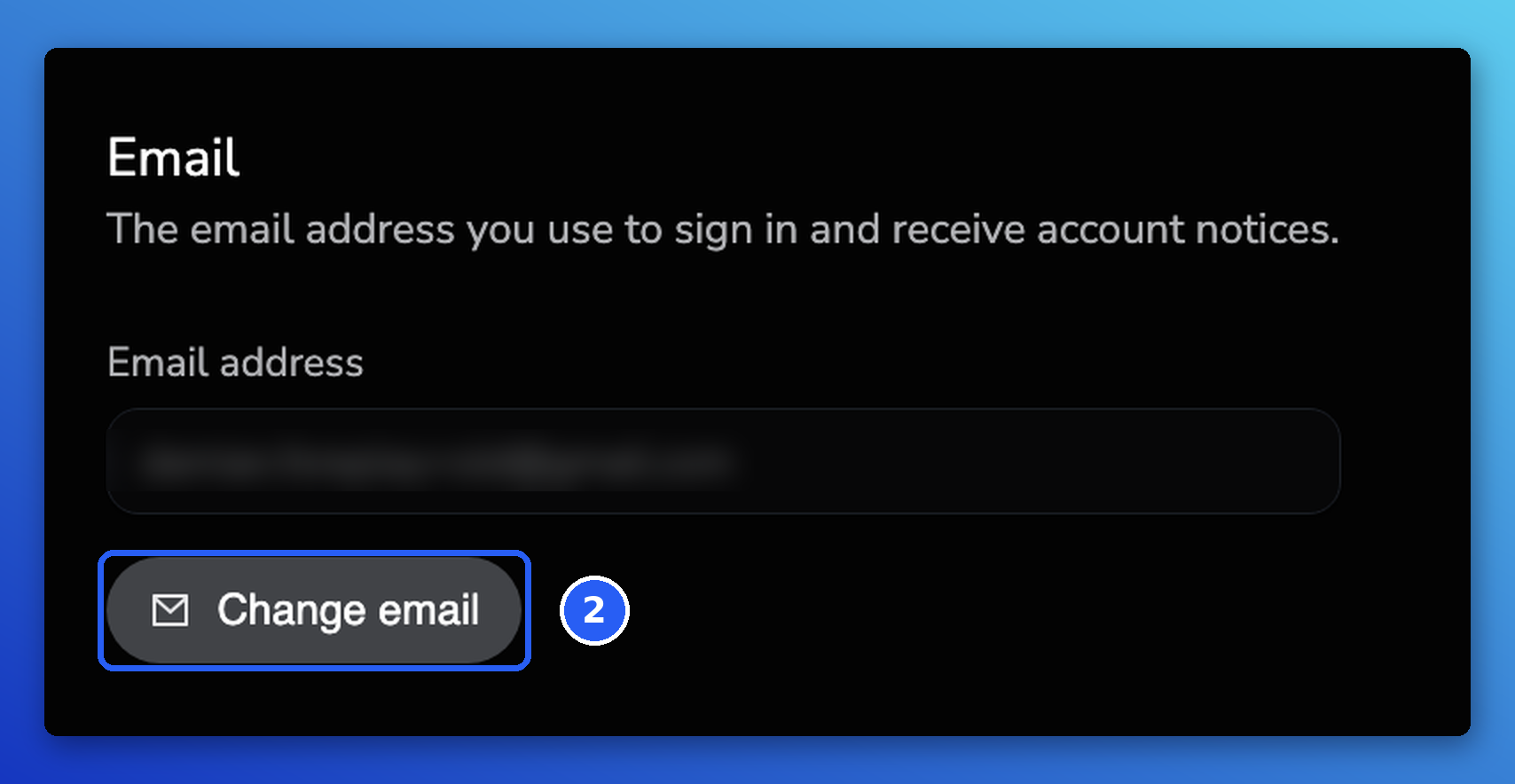
- Scroll to the Email section and click Change email.
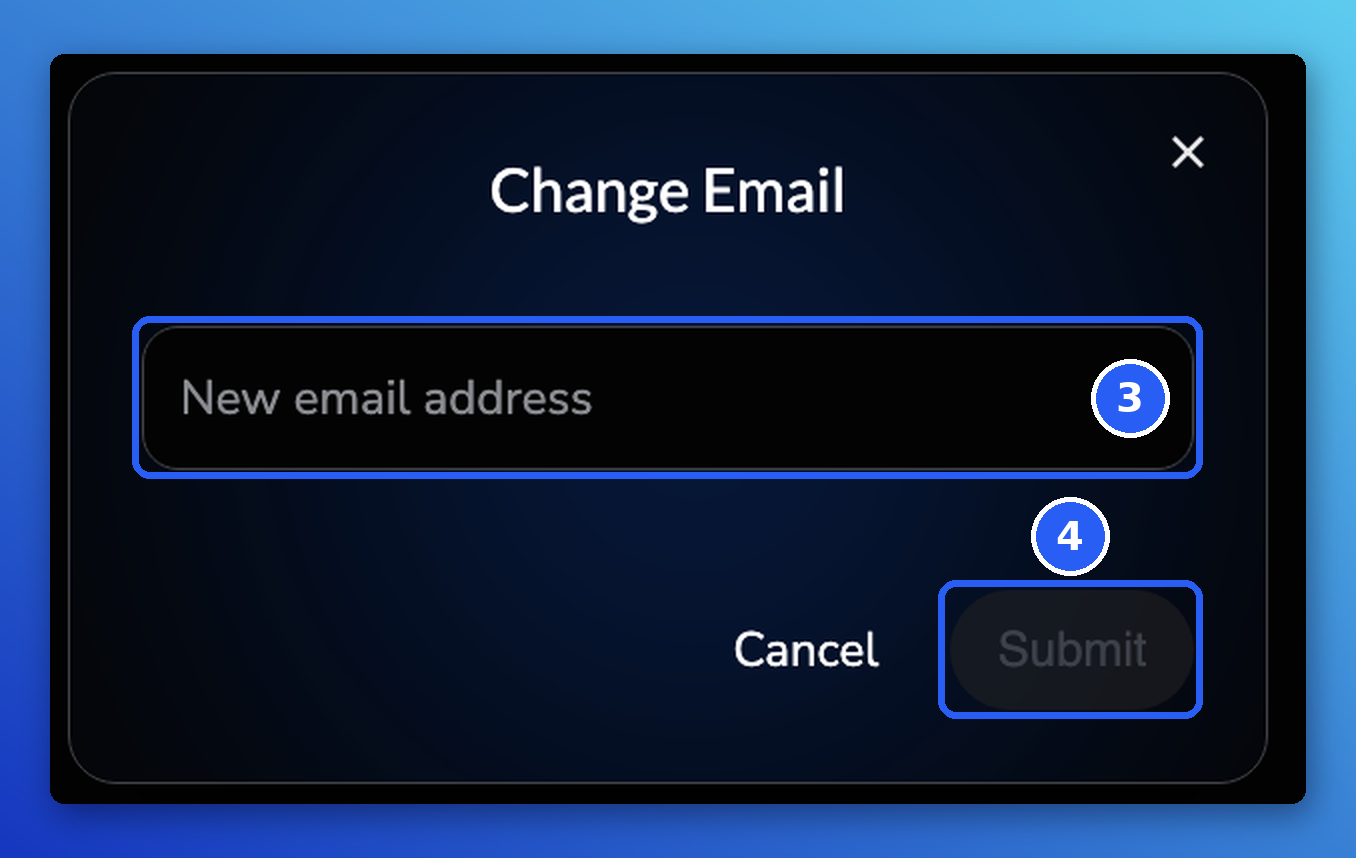
- In the Change Email window, enter your new email address.
- Click Submit. A Confirm your new email window shows the address we sent the link to. Click Got it.
Confirm your new email
After you click Submit, we send a confirmation link to your new email address. Your current email keeps working until you click that link, and nothing changes on your account until then.
- In your new inbox, open the email Confirm your new email address from noreply@mail.fxreplay.com.
- Click Confirm email address.
The link opens FX Replay in a new window. Sign in again with your new email address to finish changing your email. From then on, you sign in with your new email.
Can't log in, or lost access to your email?
You need to be logged in to change your email. If you can't log in, or you no longer have access to the email on your account, contact support with your current account email and the new email you'd like to use, and we'll help. See How to Contact FX Replay Support.
If you think your email account was hacked and you can still log in to FX Replay, change your email straight away using the steps above.
Learn more
- Can't Log In? How to Fix Sign-In Problems
- How to Create Your FX Replay Account
- How to Contact FX Replay Support
Frequently Asked Questions
Can I change my email without contacting support?
Yes. Every account can change its email from Account Settings, in the Email section of the Account tab. Contact support only if the change doesn't work or you can't log in.
I just signed up and typed the wrong email. What should I do?
On the confirmation screen you see after signing up, click Change Email to correct it, then confirm the new address. See How to Create Your FX Replay Account.
My email account was hacked. What should I do?
If you can still log in to FX Replay, change your email right away from Account Settings. If you can't log in, contact support with your current account email and the new email you'd like to use, and we'll help.
I didn't get the confirmation email. What should I do?
Check the spam or junk folder of your new inbox and make sure you typed the new address correctly. If it still hasn't arrived, contact support and we'll help.
I got a confirmation email I didn't ask for. Is my account at risk?
No action is needed. Nothing changes unless someone clicks the link in that email, so you can simply ignore it.
Related articles
Keep exploring this topic.