
Prop Firm Simulator
FX Replay’s Prop Firm Simulator lets you set your firm’s rules—drawdown limits, profit targets, and more—and start testing under real challenge conditions. No replaying back in time if you missed a trade — just real data, real pressure, and real preparation to help you sharpen your edge and build confidence before taking the actual challenge.
Overview
FX Replay’s Prop Firm Simulator lets you set your firm’s rules—drawdown limits, profit targets, and more—and start testing under real challenge conditions. No replaying back in time if you missed a trade — just real data, real pressure, and real preparation to help you sharpen your edge and build confidence before taking the actual challenge.
How to Use Prop Firm Simulator
- Hit “Prop Firm Session” when creating a session.
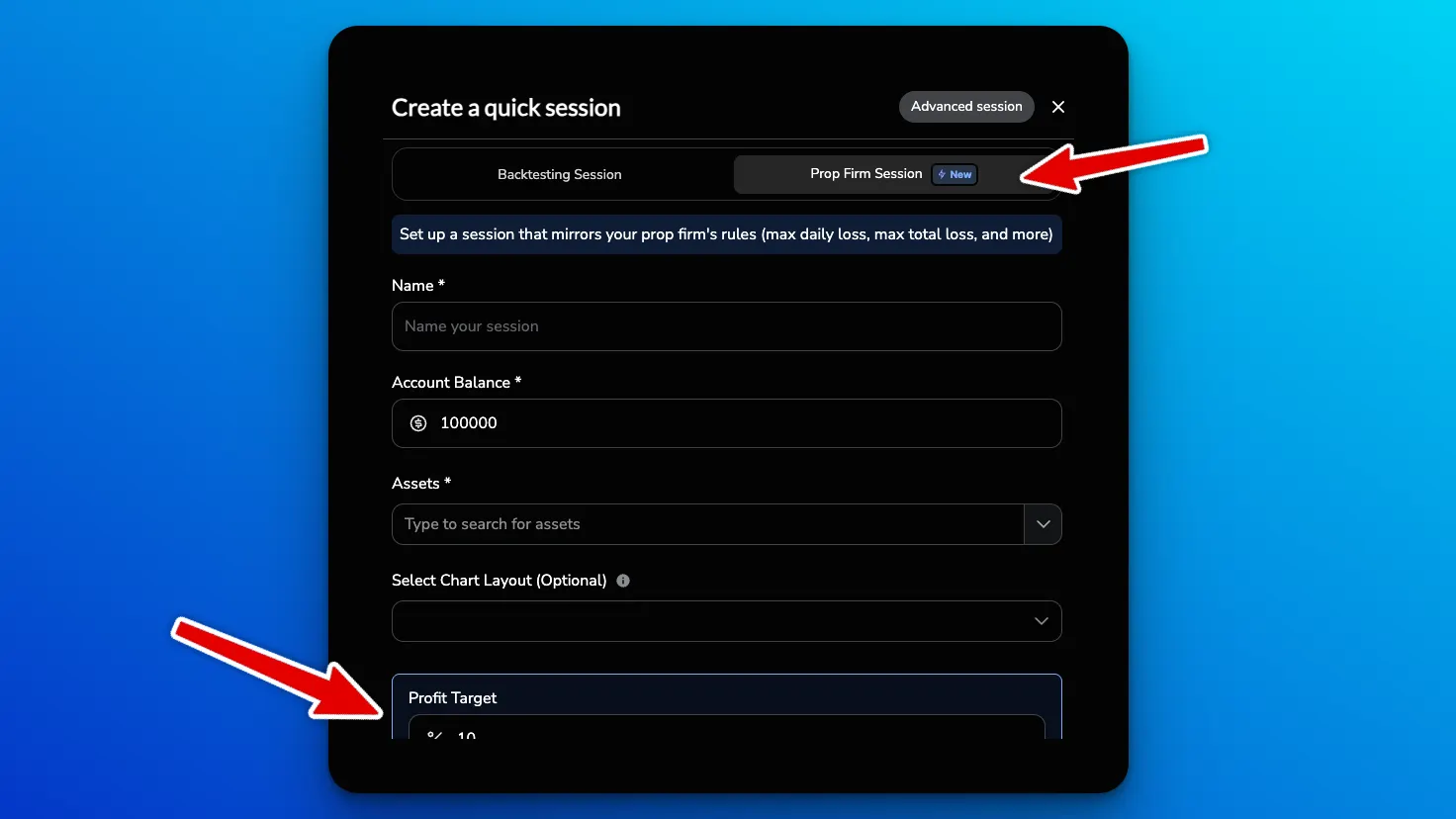
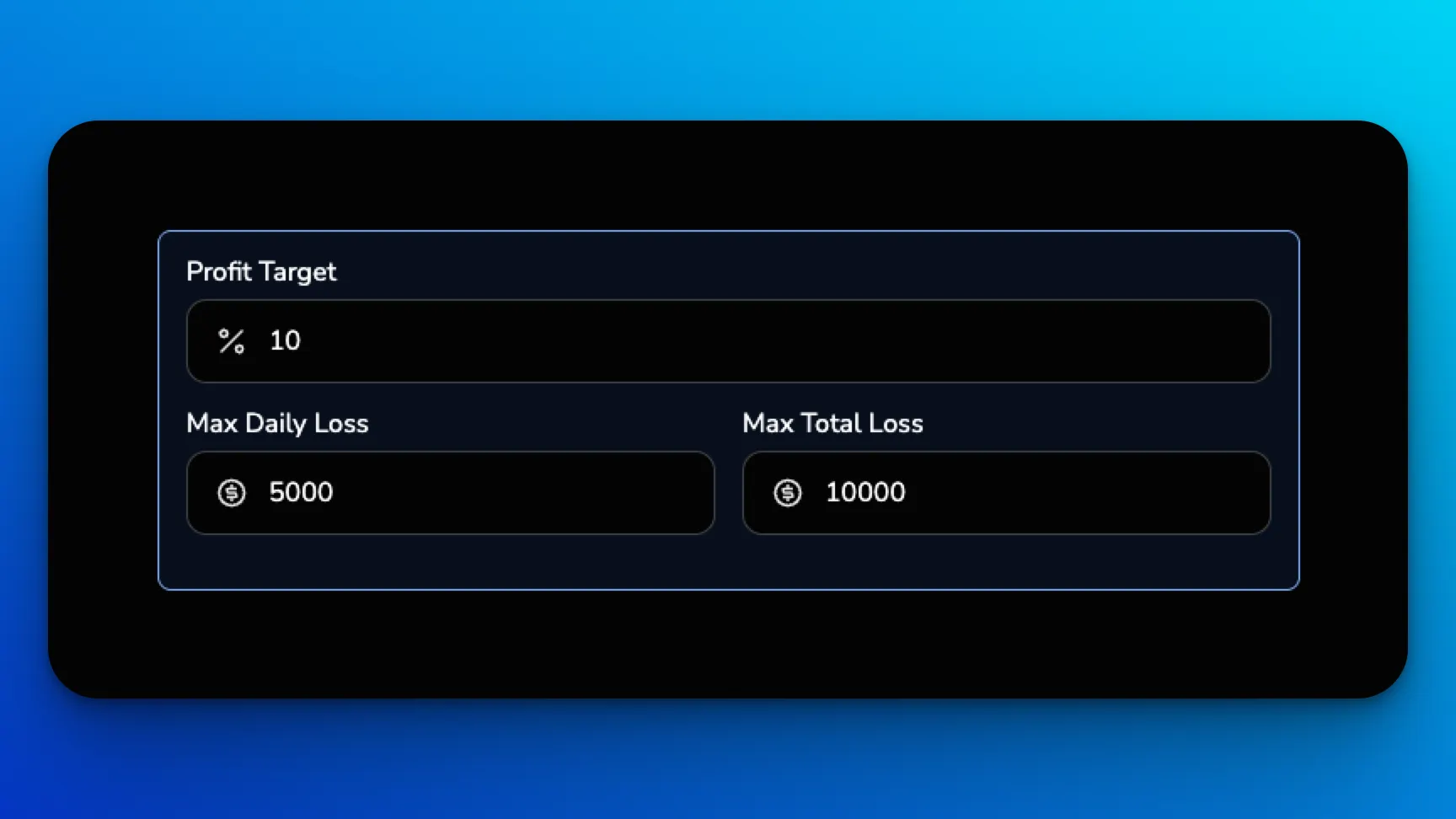
- Add profit target, max daily loss, and max total loss rules that replicate your prop firm challenge.
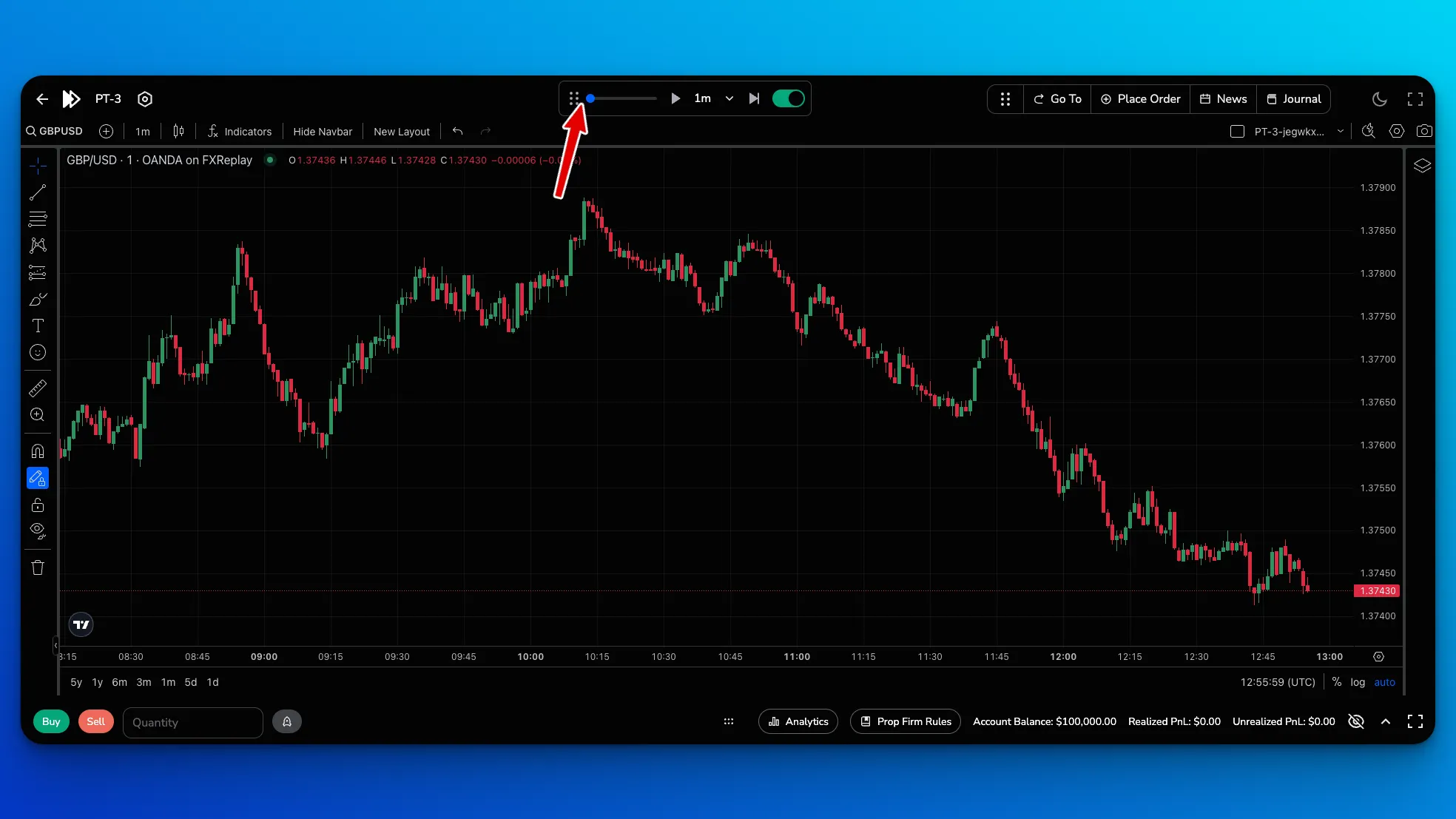
- When you get into the chart, you’ll notice there is no replay functionality on the price skip control. This is
because we want to really provide that real life experience while practicing for a prop firm challenge.
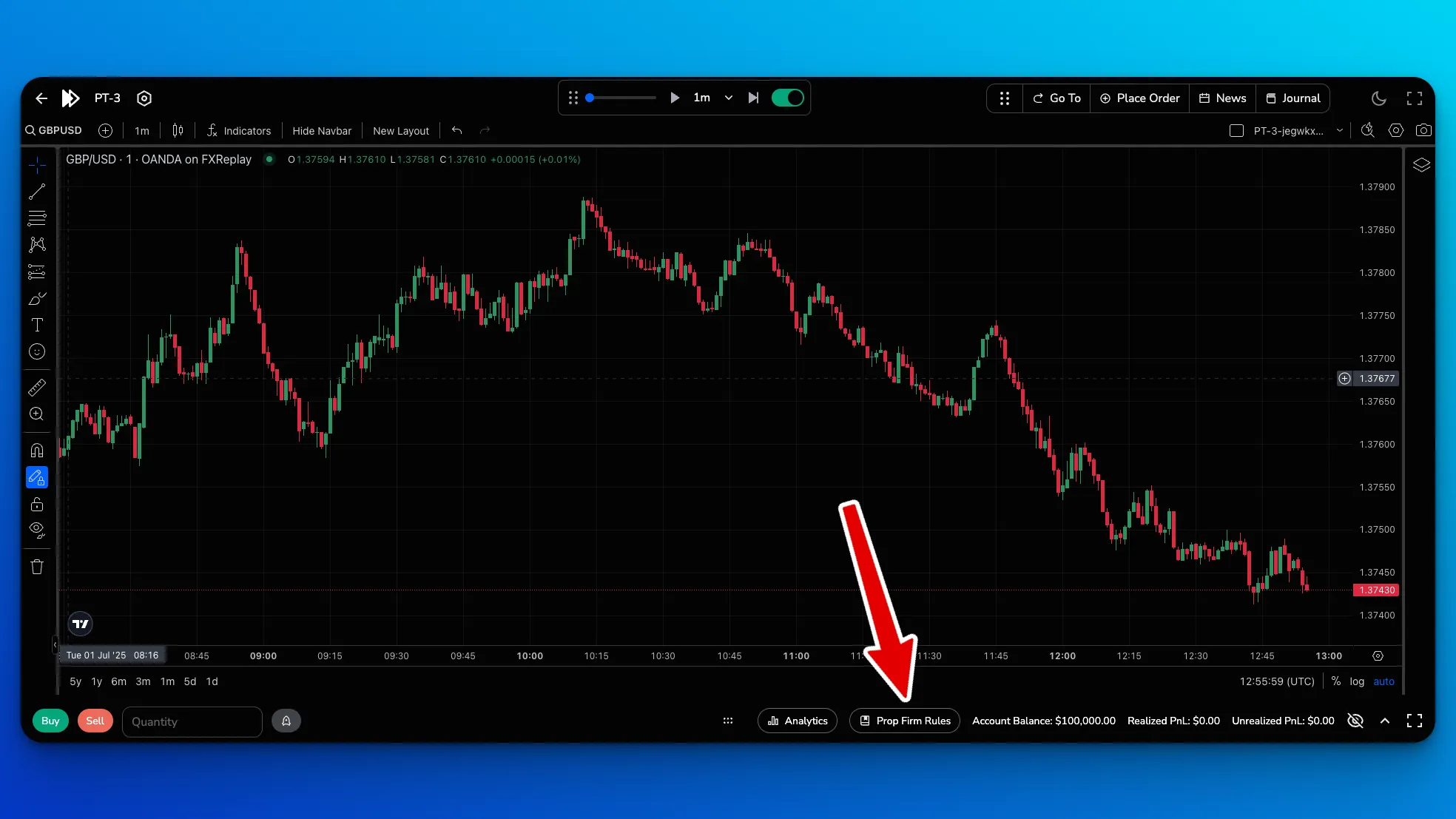
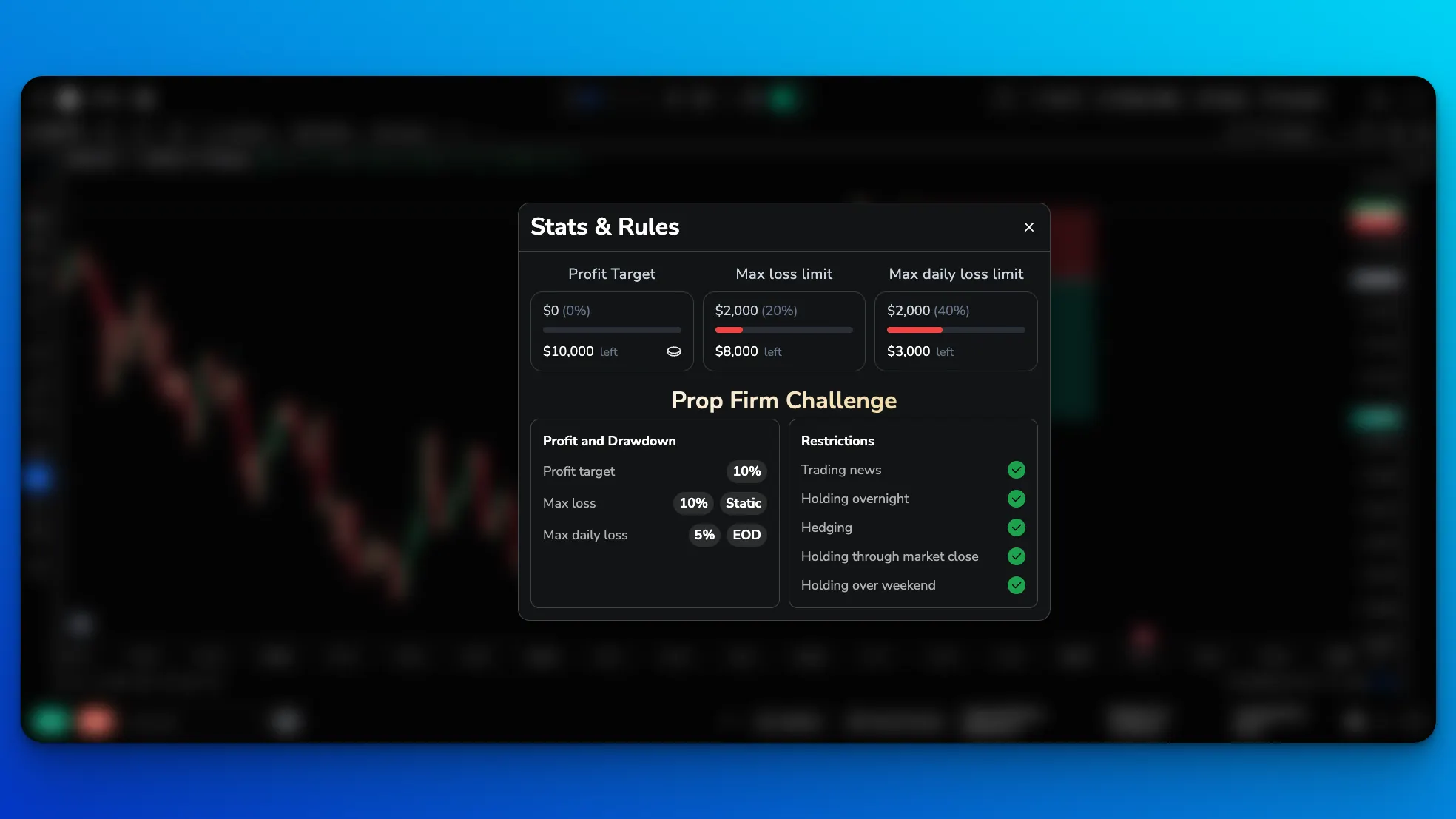
- Hit tab button or click on “Prop Firm Rules” at the bottom to display the rules and where your current session is relative to those rules.
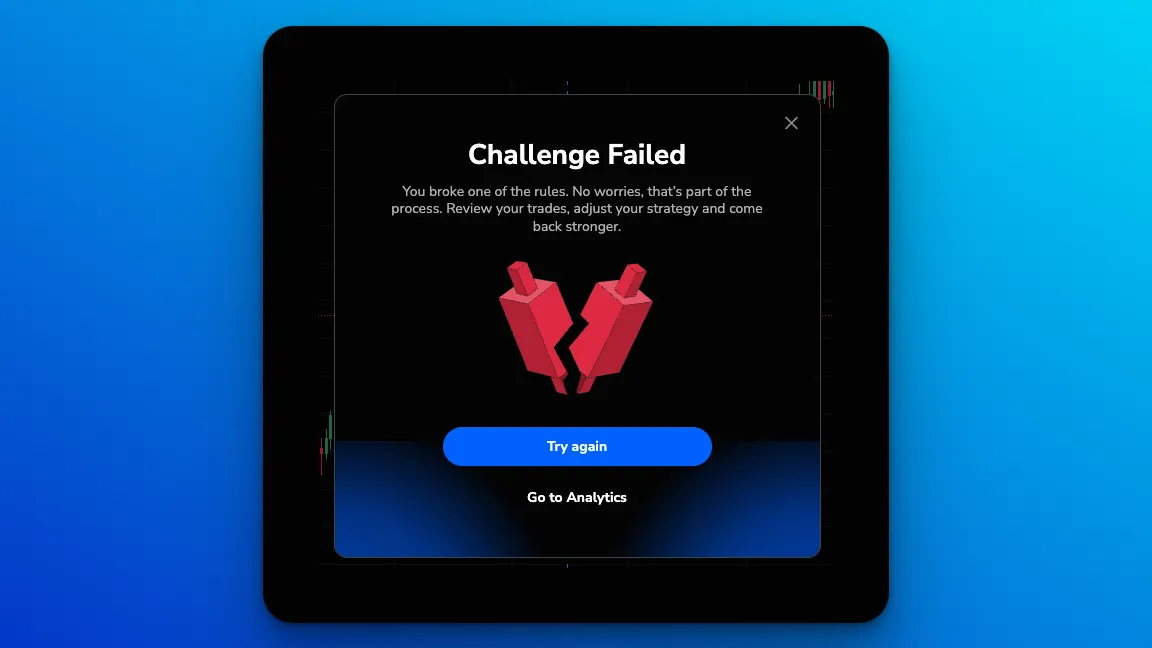
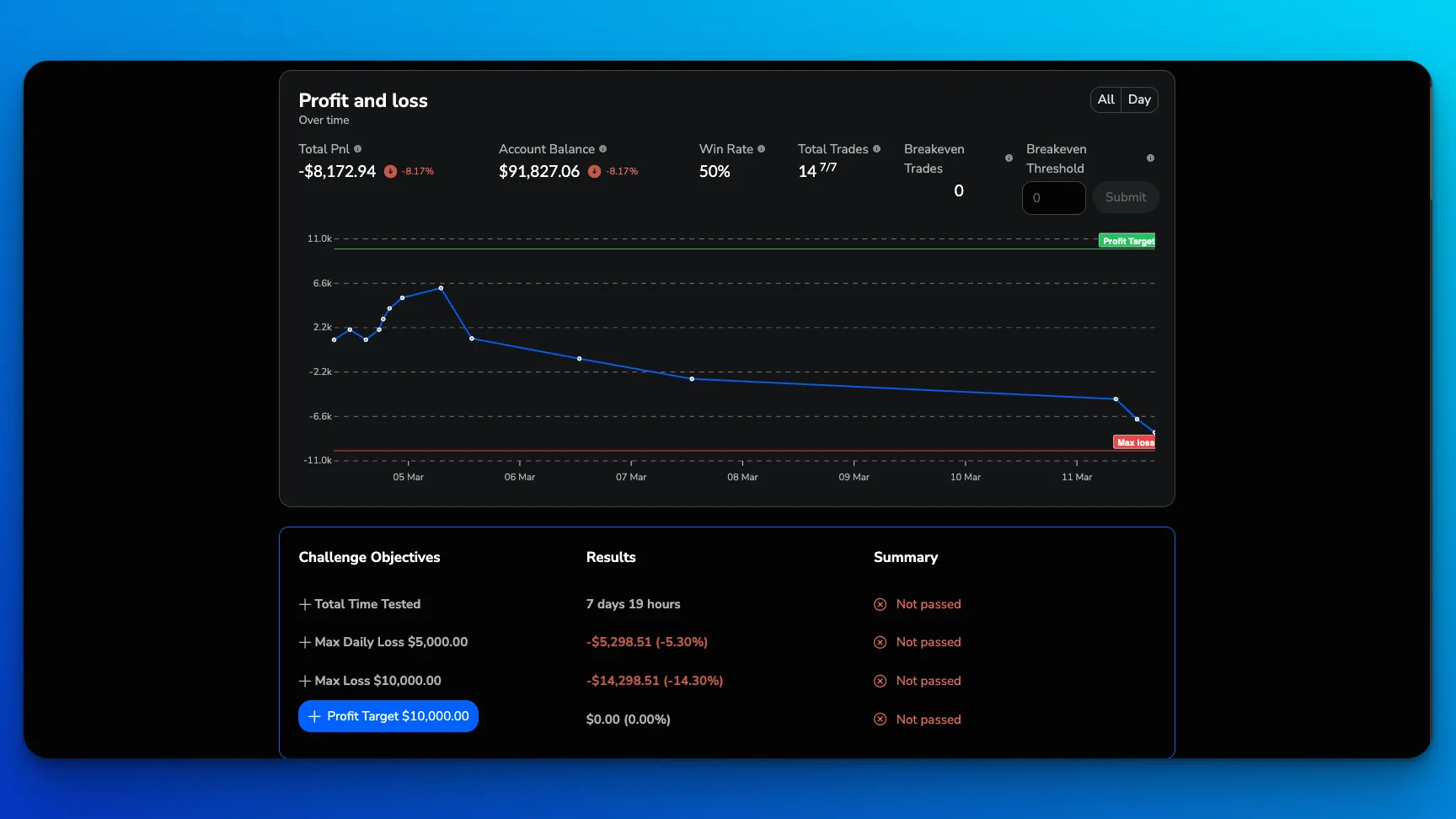
- If you fail your challenge, you can easily try again or go view your analytics.
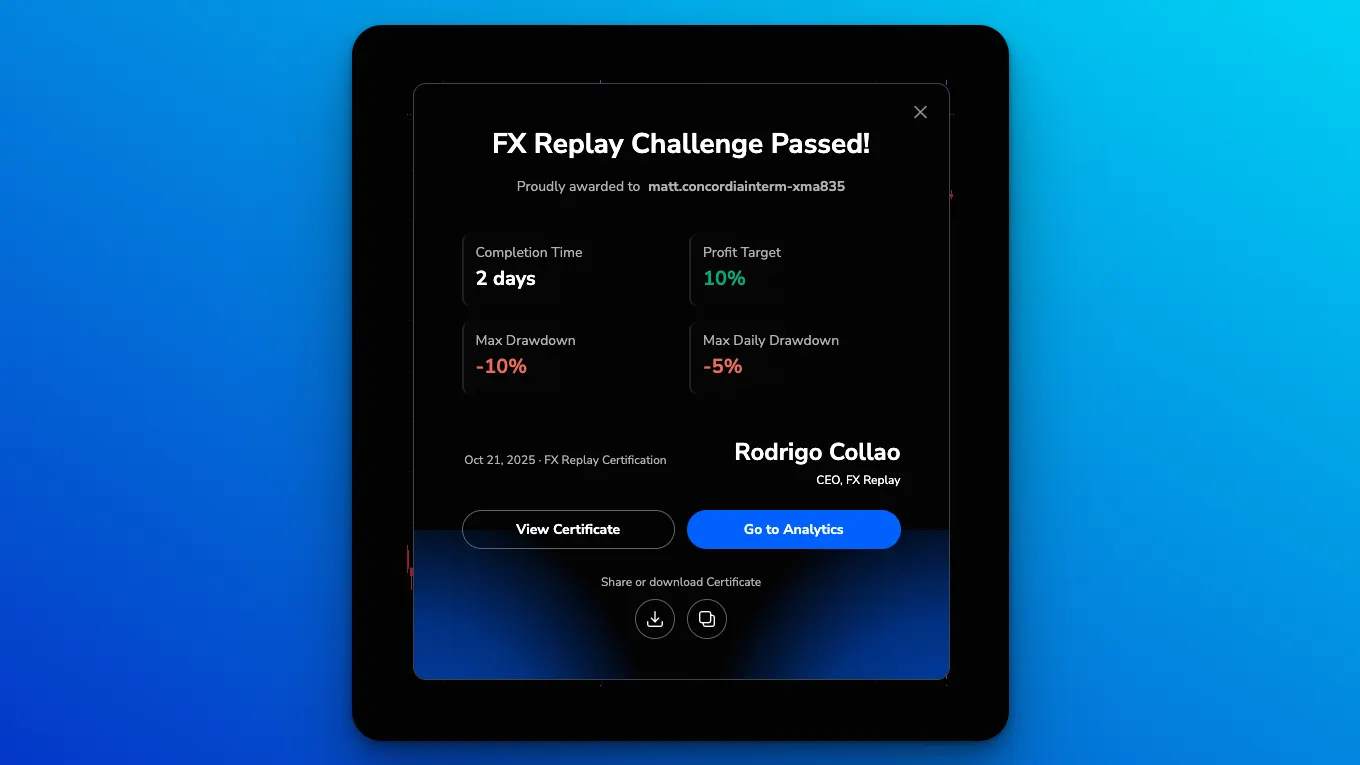
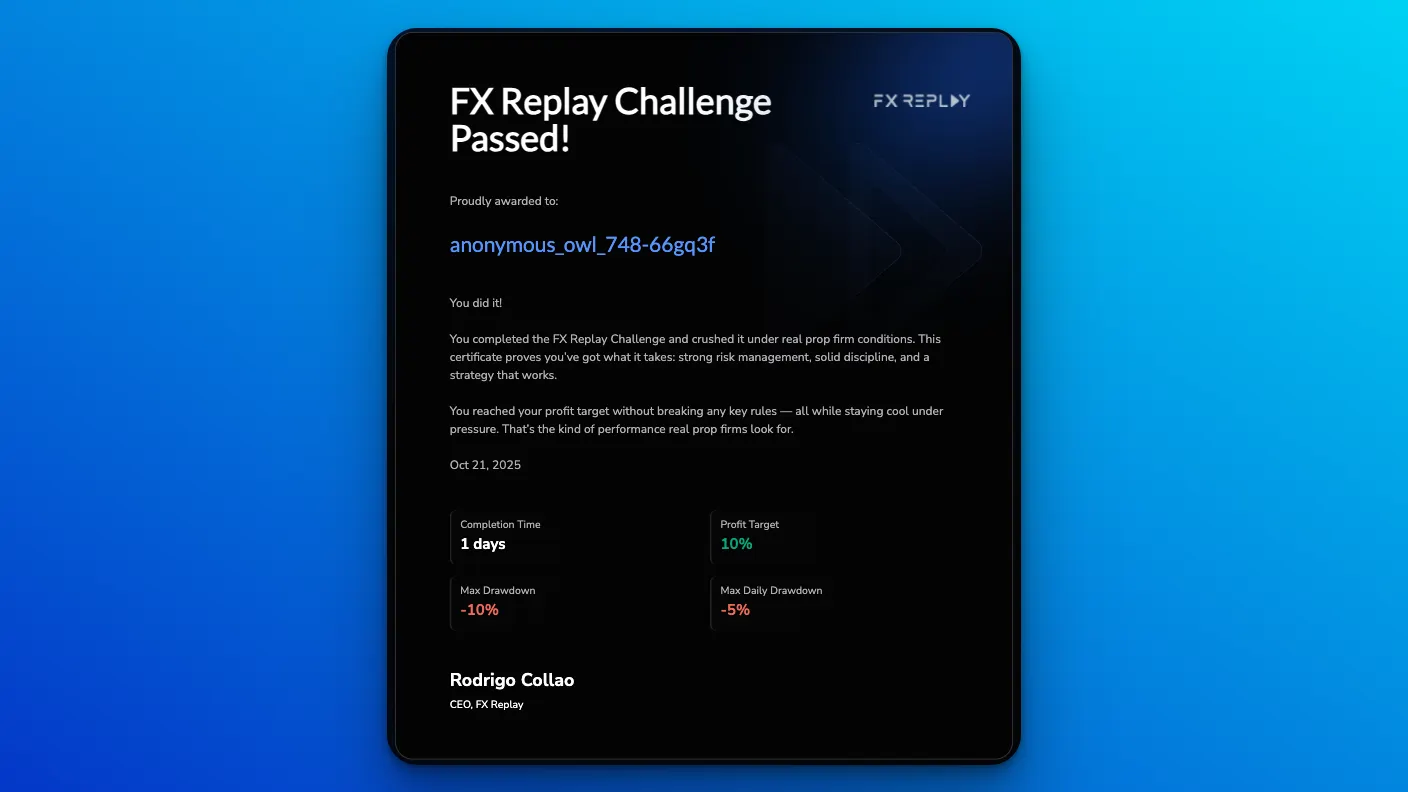
- If you pass, congrats! You can view your certificate, share it with your friends to show that you’re making progress!
Related articles
Keep exploring this topic.
How to Use the RR SimulatorThis tool takes your real trades and shows how performance would shift if you had aimed for different take profit (TP) levels — without changing your entry or stop loss (SL).Read guideCustom Indicators with FXR ScriptCan you use Pine Script indicators in FX Replay? Convert them to FXR Script in the Code Editor on the New Chart, and learn how to build and publish your own custom indicators.Read guideIndicators: What's Available & How to Add ThemHow to add indicators in FX Replay, where to find the full indicator list, indicator limits by plan and how to build custom indicators with FXR Script.Read guideThe New Chart: What's Changed and Where to Find EverythingA quick tour of the FX Replay New Chart: why we moved from the previous charts, Order Flow, Go To on the Replay Bar, ETH/RTH, layouts, shortcuts, Code Editor, Watchlist, News and Journal.Read guide